Post
Running mtr on macOS
Today I found myself in a situation where I needed to check the reachability of a server from outside the network in order to investigate connection issues originating from individual ISPs’ networks. To do this, you usually use the mtr tool. Unfortunately, as is so often the case, installation on macOS is only possible via Homebrew. I’d already written an article about this:
Brew: Package manager for macOS
Installation via brew is incredibly simple, as there is a ready-made package available for it -> https://formulae.brew.sh/formula/mtr
brew install mtr…that should get everything up and running. During installation, you’ll also be reminded that, to use mtr correctly, the programme must be run with sudo.
Missing symbolic link
Unfortunately, after installing the Brew package, the relevant symlink is missing, so the command
mtrIt always comes to nothing. I don’t know the reasons for this; it must have been going on for several years now, but Brew hasn’t fixed it.
mtr: command not found or mtr: Failure to start mtr-packet: Invalid argument)Solution: Create a symlink
First, you need to check which version of mtr has been installed. To do this, simply look in the following directory:
/usr/local/Cellar/mtr/The output might look something like this – it may vary slightly depending on the version number:
jay@MBP-von-Jakob-4 ~ % ls /usr/local/Cellar/mtr/0.95Now let’s create the relevant symbolic link:
sudo ln /usr/local/Cellar/mtr/0.95/sbin/mtr /usr/local/bin/mtrsudo ln /usr/local/Cellar/mtr/0.95/sbin/mtr-packet /usr/local/bin/mtr-packetApply MTR
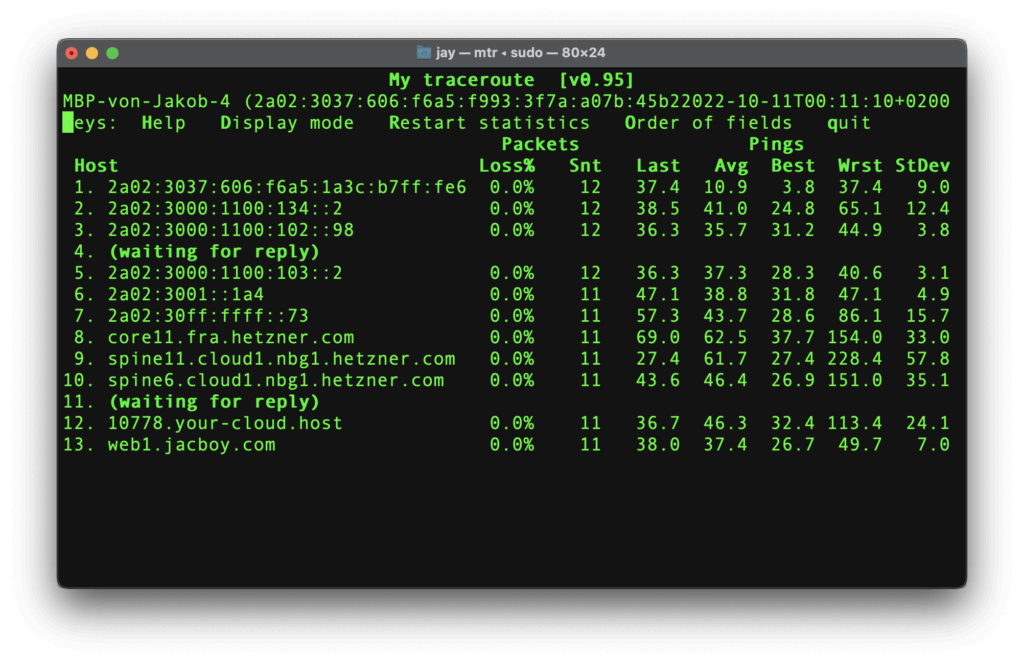
…now works directly in your terminal with sudo permissions.