Post
Installing Xcode Developer Tools on a Mac
In my new job, I’m once again working a lot with software, compilers, packages, brew.sh and other developer tools. Git is a constant companion in this work, which means I usually need the Xcode Developer Tools as well.
xcode-select --installUsing a terminal will help here. The following GUI dialogue box will then appear:
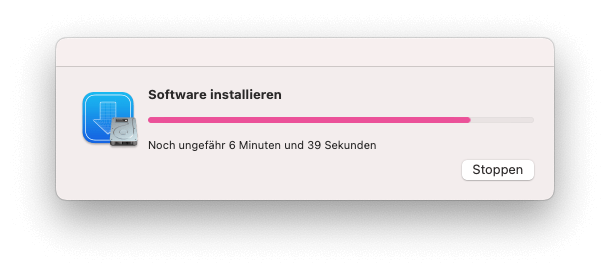
Xcode Developer Tools can be downloaded in the usual way via ‘softwareupdate’ on a Mac. This is also how the tools are updated.
Test the installation
You can then check straight away whether the installation was successful by running:
xcode-select -pThe output will then look something like this:
jay@Air-von-Jakob ~ % xcode-select -p/Library/Developer/CommandLineToolsA similar test is also included in, for example, brew.sh:
brew doctor